5 Keyshot tips for visualizing products.
In this blog, Keyshotter Els shares a few tips for her favorite rendering program. At Fabrique Invent she makes concept presentations, product renders and 3D animations with Keyshot. Here are the 5 tips at a glance!


- Studios
By creating studios, you combine your camera, environment, model set, and potentially your image style and multi-materials. Creating a studio for each animation keeps your work file clear and organized. You can also easily make adjustments based on client feedback. You can then load all your studios into the render queue with a single click. For a quick, clear introduction to studios, I recommend this video. - Motion Blur
Did you create a cool animation? With Motion Blur you can make your video even more spectacular. You can find this drop-down menu in the Animation bar. You can choose to apply motion blur to the movement of the camera, your model or (since Keyshot 10) your environment. One click and your animation will look very different right away! - Preferences
I also recommend browsing through your Preferences. For example, I find dark mode much more user-friendly. These kinds of settings are easily adjusted in this menu. An important one I always check is “Include camera changes in undo/redo.” If you forget to save your camera, you can also use Control-Z to return to that one mode you carefully selected. There are many more simple adjustments that can improve your workflow via Preferences; give it a try! - Download Plug-Ins
We model virtually all our designs in SolidWorks. But there are many more plug-ins available for various CAD programs. A plug-in creates a link between your modeling software and Keyshot, making importing your files faster. Visit the website of Keyshot reseller AESC to see if there’s a suitable plug-in for you. - Use Set Camera Target
Do you want to take a close up of a certain part of your product? Or do you want to rotate your camera around a particular pivot? This can be done with Set Camera Target in the Camera panel. Via this button you can click on the area on your model that you want to highlight in your animation. Once you’ve clicked the green check mark you can still adjust the camera whatever you want, but every animation will revolve around your chosen camera target.
Hopefully you have learned something new from these tips. Do you have any questions about Keyshot or a tip that you think Els should know? Let her know!
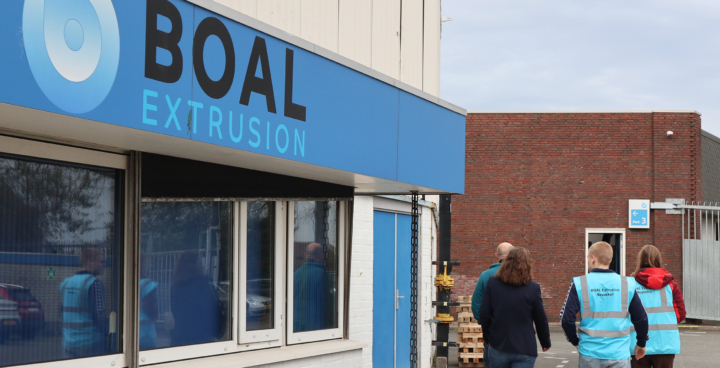
Fabrique Invent & Boal Extrusion
What do you get when you combine technical precision, sustainable ambition, and creative innovation? A collaboration that has endured effortlessly for over 30 years and continues to surprise today.

The 3D printing revolution.
A deepdive into design agencies and their digital workshops.


A glimpse into the professional field.
As an alumni, Els was a guest at Saxion University of Applied Sciences to talk about our agency.